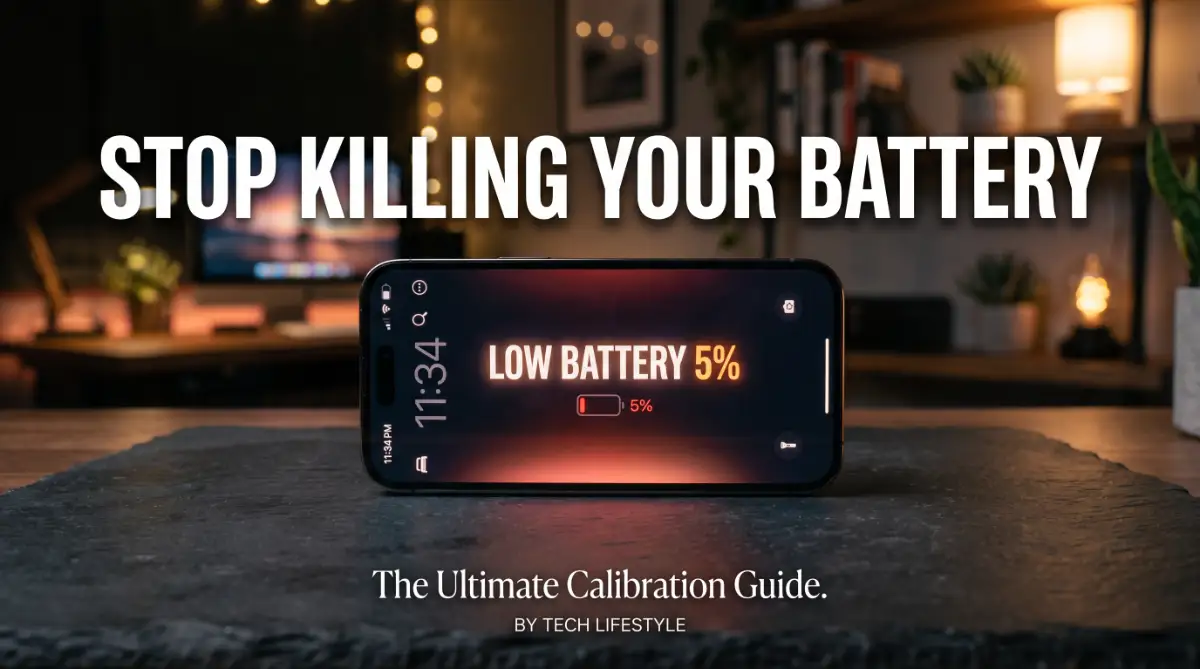
Your phone battery used to last all day. Now it barely makes it past lunch.
You charge it every night, but somehow it still feels weaker than before. Sound familiar?
Here's the annoying part. You've probably tried the "common advice" already.
Turning off background apps. Lowering your screen brightness. Using battery saver mode. And yet, nothing really fixes the real problem.
That's because most of that advice treats the symptom, not the cause. Your battery isn't just tired — it's uncalibrated. And every day you ignore it, your phone's internal battery sensor gets more confused about how much power is actually left.
This means your phone shuts off at 20%, or worse, at 40%, even when there's juice left to give.
Good news: this is 100% fixable, and it takes less time than scrolling through your social feed.
In this guide, we'll show you the exact, step-by-step way to calibrate your smartphone battery. No tech jargon. No guesswork. Just a simple process that resets your battery's internal meter and helps you get real, accurate battery life back — starting today.
Why Your Phone Battery Feels Like It's Lying to You
You charge your phone to 100%. An hour later, it says 87%.
That drop feels wrong. And honestly, it probably is.
Here's the frustrating part. Your phone isn't always showing you the real battery level. It's showing you an estimate. And that estimate gets worse over time.
You've probably noticed your phone shutting off at 15%, or even 30%, when it "should" have more power left. This isn't random bad luck.
- Your phone's software tracks battery percentage using a chip that "guesses" based on voltage and past charging patterns
- Over months of use, this guess drifts further away from the real charge level
- Fast charging, partial charges, and cheap charging cables all make the drift worse
- Most people blame the battery itself, when the real issue is a confused battery sensor
This mismatch between what your screen says and what's actually happening inside your battery causes real problems.
- You lose trust in your phone. You start carrying a charger everywhere, just in case
- You feel anxious watching the percentage drop, especially during important calls or navigation
- You end up replacing a phone (or a perfectly good battery) that didn't actually need replacing
- Simple daily tasks, like leaving the house without a charger, start to feel risky
This isn't just an inconvenience. It changes how you use your phone every single day.
You check the battery icon more than you check your messages. You avoid using GPS or streaming apps because you're scared of losing power. That constant low-grade stress adds up, and it's completely avoidable.
The good news? This is a software and habit problem, not a hardware disaster. Calibrating your battery resets that confused internal sensor, so your phone tells you the truth again. It's a 30-minute process, and you don't need any apps, tools, or technical skill to do it.

The Simple Calibration Process That Actually Works
Let's get into the part you came here for. This process works on both Android and iPhone, with small differences noted where needed.
Step 1: Let Your Battery Drain All the Way Down
This sounds scary, but it's safe for modern lithium-ion batteries.
Use your phone normally until it powers off on its own. Don't force it to shut down early.
Once it's off, leave it off for at least 5 minutes. This lets the internal voltage settle completely, which is important for an accurate reset.
Pro Tip: If your phone hits 0% and still won't turn off, that's actually a good sign. It means there's still a tiny reserve of power the sensor didn't account for.
Step 2: Charge It to 100% Without Interruptions
Now plug your phone in and let it charge to full, without unplugging it halfway through.
This step matters more than people realize.
- Use the original charger or a certified one if possible
- Avoid using your phone heavily while it charges
- Once it hits 100%, leave it plugged in for another 1-2 hours
That extra time after hitting 100% lets the battery "top off" properly. Your phone's charging circuit slows down near the end, and rushing this step is one of the most common calibration mistakes.
Step 3: Restart Your Phone While Still Charging
After the extra 1-2 hours, restart your phone while it's still connected to power.
This forces the operating system to refresh its battery statistics from scratch. Think of it like clearing your browser's cache. The old, inaccurate data gets wiped, and your phone starts tracking fresh numbers.
Once it restarts, unplug it and use your phone as normal.
How Often Should You Do This?
You don't need to do this every week. That would actually be unnecessary wear on your battery.
A good rule of thumb: calibrate every 2-3 months, or whenever you notice the percentage jumping unexpectedly (like dropping from 40% to 15% in a few minutes).
Situation Should You Calibrate? Battery percentage jumps randomly Yes, right away Phone shuts off well above 0%Yes, right away You just got a new phone Wait 1 month first Everything seems normal Every 2-3 months is fine
Myth vs Reality
A lot of bad advice floats around about battery care, so let's clear a few things up.
Myth: You should always keep your phone between 20% and 80% charge.
Reality: This helps long-term battery health, but it has nothing to do with calibration. You can follow this habit and still calibrate occasionally.
Myth: Draining your battery to 0% regularly is good for it.
Reality: This is outdated advice from old nickel-based batteries. Modern lithium-ion batteries actually prefer shallow, frequent charges most of the time.
Full drains are only needed occasionally, for calibration purposes.
Your phone's battery isn't broken. It just needs an occasional reset to keep telling you the truth.
Once you calibrate it, you'll notice the percentage drops feel smoother and more predictable, and those random shutdowns become a thing of the past.
Small Habits That Keep Your Calibration Results Lasting
Calibrating your battery once is great. But if you go back to bad charging habits right after, that fresh accuracy won't stick around for long.
Let's talk about what actually keeps your battery healthy between calibrations.
Charge in Short Bursts, Not Marathon Sessions
Your battery doesn't love being plugged in for 8 hours straight every night.
Lithium-ion batteries actually prefer shorter, more frequent charging sessions. Think of it like eating smaller meals throughout the day instead of one giant meal that sits heavy in your stomach.
- Charge from 30% to 80% during the day when possible
- Avoid leaving your phone on the charger overnight, every single night
- If you must charge overnight, use a smart plug or your phone's built-in charge limiter feature
This single habit change is one of the biggest factors in long-term battery health, and we've broken it down in more detail in our guide on why overnight charging habits slowly damage your battery.
Watch the Heat, Not Just the Percentage
Heat is your battery's real enemy. Not charge cycles, not app usage. Heat.
A hot phone ages faster than a cool phone, even if both are charged the exact same way.
Here's a quick scenario. Imagine two identical phones. One sits on a dashboard in direct sunlight while charging. The other charges on a desk in a shaded room.
The dashboard phone will lose noticeably more battery capacity within a year. Same charger, same charging pattern, completely different outcome, just because of heat exposure.
Simple fixes:
- Take your phone case off during heavy charging sessions if it traps heat
- Never leave your phone in a hot car
- Avoid gaming or streaming video while your phone charges
Let Your Apps Stop Fighting for Power
Some apps constantly refresh in the background, checking for updates you don't even need right away.
This forces your battery to report constant tiny fluctuations, which confuses the sensor faster and throws off your calibration sooner than expected.
Do's:
- Turn off background refresh for apps you rarely open
- Group your notifications instead of allowing instant push for everything
- Check your battery usage settings weekly to catch apps draining power silently
Don'ts:
- Don't force-close every app manually. This actually uses more power when apps reopen
- Don't disable your phone's automatic optimization features. They're built to help, not hurt
According to Consumer Reports, managing background app activity is one of the most overlooked ways people unknowingly shorten their battery lifespan.
If you use other devices with batteries, like a laptop, the same heat and charging principles apply. We cover this in our guide on extending the lifespan of your laptop's battery as well.
The Costly Mistakes That Undo All Your Progress
You can calibrate your battery perfectly and still ruin your results within weeks. Here's how that happens.
Mistake 1: Using Cheap, Uncertified Chargers
That $5 charger from a random online store might charge your phone. But it often delivers inconsistent voltage, which confuses your battery sensor almost immediately.
This undoes your calibration faster than anything else on this list.
Mistake 2: Constantly Topping Up From 95% to 100%
Plugging in your phone every time it dips slightly below full seems responsible. It's actually one of the most damaging habits for long-term battery capacity.
Your battery experiences more stress sitting at 100% repeatedly than it does dropping to 40% and charging back up.
Mistake 3: Ignoring Software Updates
Phone manufacturers regularly release updates that improve battery reporting accuracy. Skipping these updates means your phone keeps using outdated battery management logic.
According to Apple's official support documentation, software updates often include specific battery health and charging optimizations that aren't available in older versions.
Mistake 4: Draining to 0% Too Often
We covered why occasional full drains help calibration. But doing this weekly, instead of every few months, adds unnecessary strain and speeds up capacity loss.
Mistake 5: Storing Your Phone at 0% or 100% for Long Periods
If you're not using your phone for an extended trip or as a backup device, storing it fully charged or fully dead damages the internal chemistry.
The sweet spot for long-term storage is around 50% charge.
Skipping these mistakes isn't complicated. It just takes awareness, and now you have it.
Your Action Plan Starting Today
You don't need to overhaul your entire routine tonight. Small, consistent changes make the biggest difference here.
Here's what to do this week:
- Pick one day this week to fully drain your phone and run the calibration process from Part 1
- Turn off background app refresh for at least 5 apps you rarely use
- Move your phone away from your pillow tonight if you usually sleep with it charging beside you
That's it. Three small actions, and you're already ahead of most smartphone users who never think about this until their battery fails completely.
Your phone's battery isn't something you need to fear or replace early. It just needs a little attention every few months, the same way you'd rotate your car's tires or clean your air conditioner filter.
Treat it well, and it will genuinely last you years longer than the average user's phone. If you're also curious about long-term battery care for other devices, our guide on maintaining electric vehicle batteries for maximum longevity covers many of the same core principles.
You've got this. Your battery just needed someone to explain what was actually going on, and now you know exactly what to do.
Disclaimer: This article is for general informational and educational purposes only. It does not replace advice from your device manufacturer or a certified technician. Battery performance can vary by device model, age, and usage habits, so results may differ from person to person.